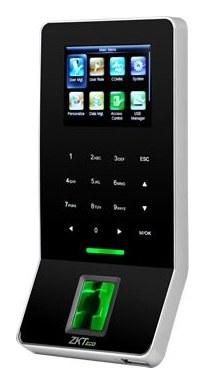
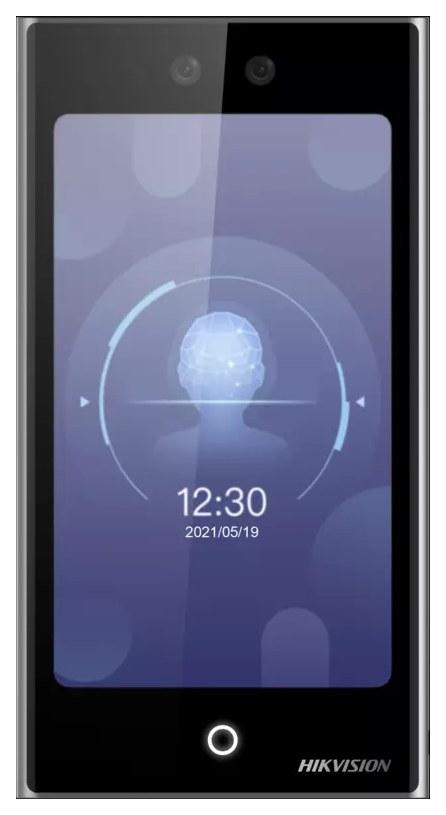
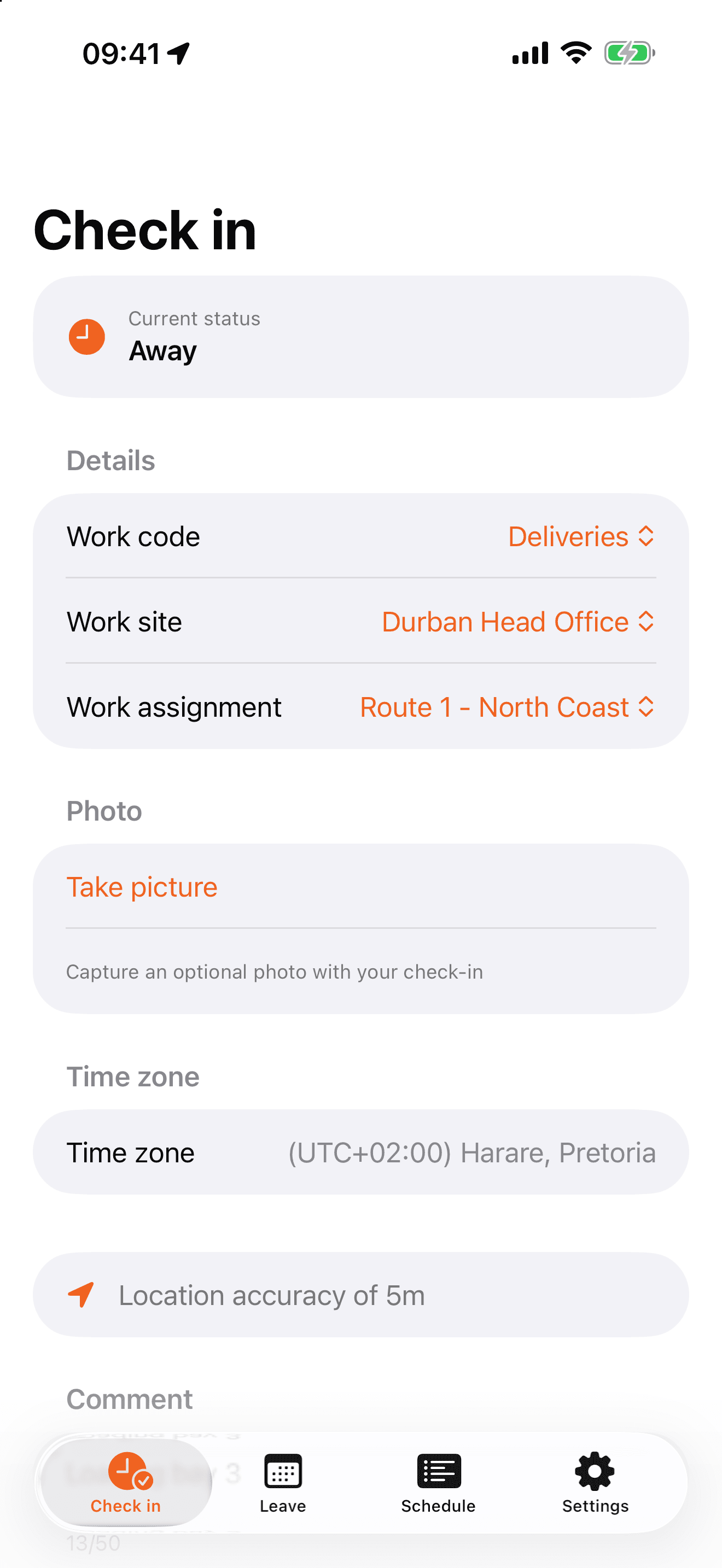
Fingerprint · Facial recognition · Mobile
Biometric hardware
Different environments call for different solutions. This guide helps you work out whether fingerprint, facial recognition or mobile solutions are the best fit for your needs.
Beyond Attendance supplies biometric devices for time and attendance and access control, and the system is also compatible with existing ZKTeco and Hikvision hardware, provided the devices have the necessary communication settings.





Three ways to scan
Each biometric type suits a different kind of workplace.
Five questions to find the right fit
Choosing the right biometric solution is an important factor in achieving accurate time and attendance and optimising your day-to-day operations.
1. What type of industry are you in?
Industry conditions play a major role in choosing the right biometric solution.
- Construction, mining, manufacturing, healthcare, food and beverage
- Facial recognition is ideal. There is no need to worry about dirty or unreadable fingerprints, and it reduces physical touchpoints, which is critical in hygiene-sensitive environments.
- Offices, corporate, education, government, financial services
- Fingerprint devices are a reliable and cost-effective solution for indoor, clean environments with consistent users.
- Tradesmen, field staff, mobile teams
- Mobile solutions (mobile fingerprint or GeoSnap) give you the flexibility to capture accurate attendance on the go, even in remote locations.
2. Will the device be outdoors?
If the device will face the sun or sit in a harsh environment, direct sunlight can make facial scanning difficult and unreliable. In these cases a fingerprint device in a weatherproof housing is usually the better option.
3. Is hygiene a priority?
In industries like food and beverage and healthcare, minimising touchpoints is essential. Facial recognition offers a contactless experience, helping maintain cleanliness and reduce contamination risks.
4. What is the intent?
Facial recognition identifies people from a distance, which suits hands-free access and high-traffic flow. Fingerprint authentication requires physical contact, which suits places where identity security is paramount.
5. Will the device be in a high-traffic area?
Facial recognition is excellent for rapid, non-contact scanning in busy areas such as site entrances, factories and public-facing environments. Fingerprint devices are better suited to tighter spaces and securing admin offices, server rooms or high-value doors.
The device range
Fingerprint and facial recognition readers for time and attendance and access control, plus a USB reader for enrolment. Hardware is purchased upfront.
Fingerprint
ZK 22
Fingerprint reader for time and attendance or access control, with Wi-Fi as well as a wired network connection.
- 3,000 fingerprints
- 50,000 scan records
- Optional waterproof and drop-proof housing
Facial
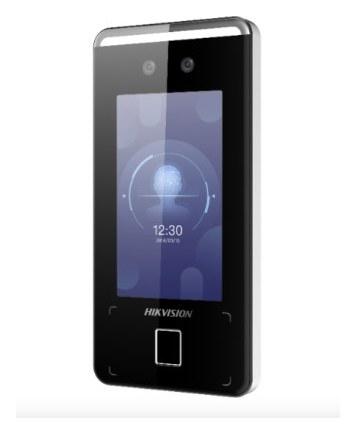
Hikvision 341
Facial recognition terminal with a 4.3-inch touch screen. Supports face and card authentication over a wired network or Wi-Fi.
- 1,500 faces
- 3,000 RFID cards
- 150,000 scan records
Facial
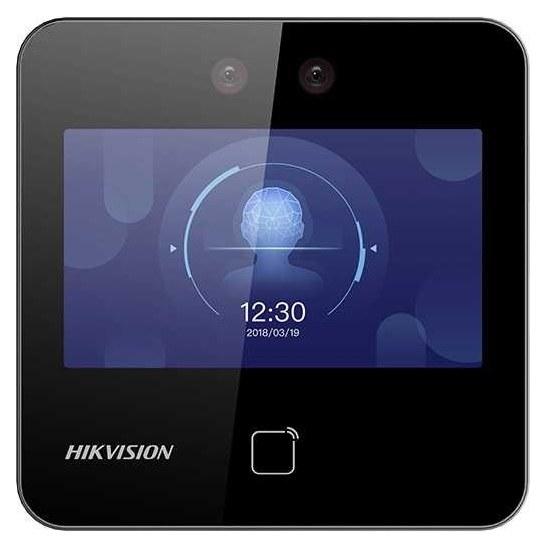
Hikvision 343
Mini face recognition terminal with a 4.3-inch touch screen. Supports face and card authentication over a wired network or Wi-Fi.
- 1,500 faces
- 3,000 RFID cards
- 150,000 scan records
Facial
Hikvision 673 Pro
Face recognition terminal with built-in card reading. Optional modules add breathalyser screening, fingerprint recognition, QR code scanning or Bluetooth access.
- IP65 water and dust protection
- 7-inch touch screen
- Wired Ethernet or 2.4 GHz Wi-Fi
Facial
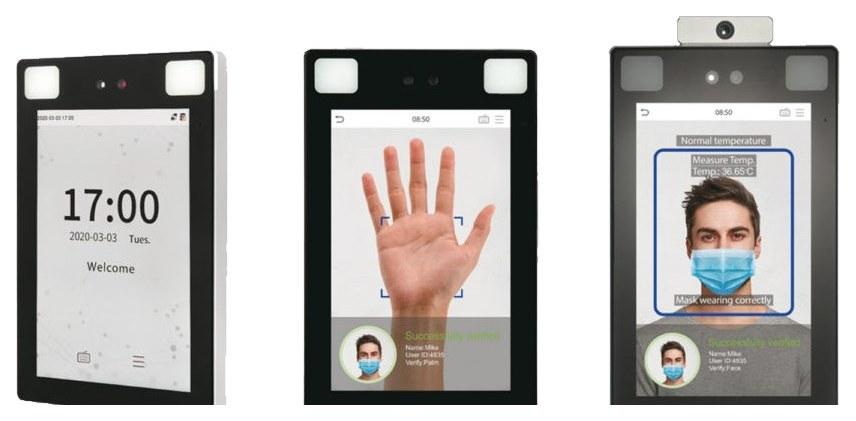
ZK PF-X
Touch-free reader with an 8" touch screen, available as facial only, facial and palm, or facial, palm and thermal.
- 30,000 faces
- 50,000 RFID cards
- 100,000 scan records
USB fingerprint
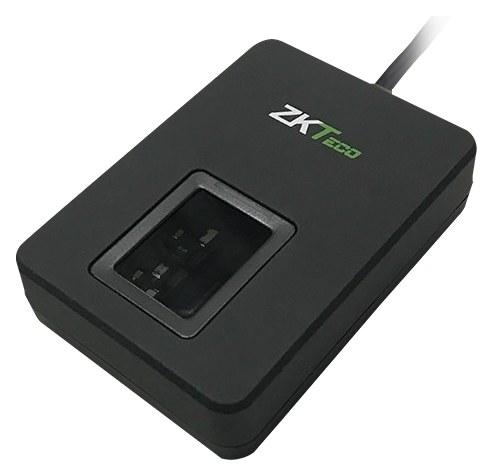
ZK 9500
USB fingerprint reader for enrolling staff from one central location. It can also be tethered to an Android phone for scanning with small mobile teams.
- USB connection
- Stores no fingerprint templates
- Integrated RFID card reader
Add-on module
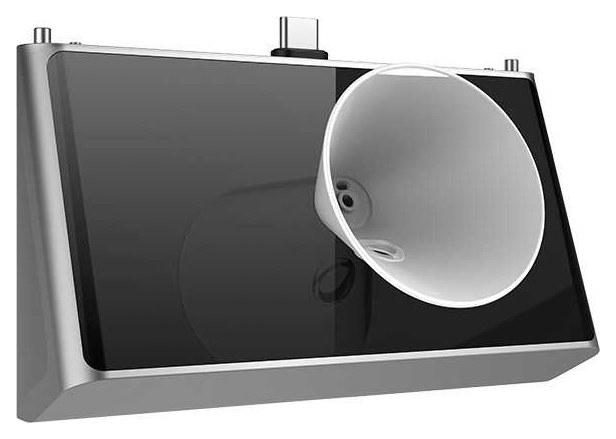
Hikvision 673 alcohol detection module
Adds breathalyser screening to a compatible Hikvision 673 Series terminal, on its own or combined with facial verification. Staff give a breath sample without touching the unit, the terminal can deny entry above a set threshold, and the results can be reviewed in the Beyond Attendance software. For indoor installation.
Beyond the reader
Hardware is one part of the system. See how it fits with the rest.
Mobile scans
USB fingerprint scanning on Android, the BA Remote app and GeoSnap check-ins for teams that work away from fixed hardware.
Access control
The same devices secure doors, turnstiles, vehicle gates and booms, and double as time and attendance scanning points.
Documents
The BA Portal guide and spec sheets for full-height and half-height turnstiles.
Not sure which device fits?
Tell us about your sites, your teams and the conditions your devices will work in, and we'll recommend the right mix of fingerprint, facial recognition and mobile solutions.